★★★★★
We're a Korean-Japanese couple. Just the two of us is fine, but talking with each other's parents was always a translation headache. I've only tested it since downloading, but at this level it should be no problem.
Tablow
One phone hosts. Everyone else opens a link and reads the conversation in their own language, 1 to 2 seconds after it's said. Video calls too, with captions on both screens.
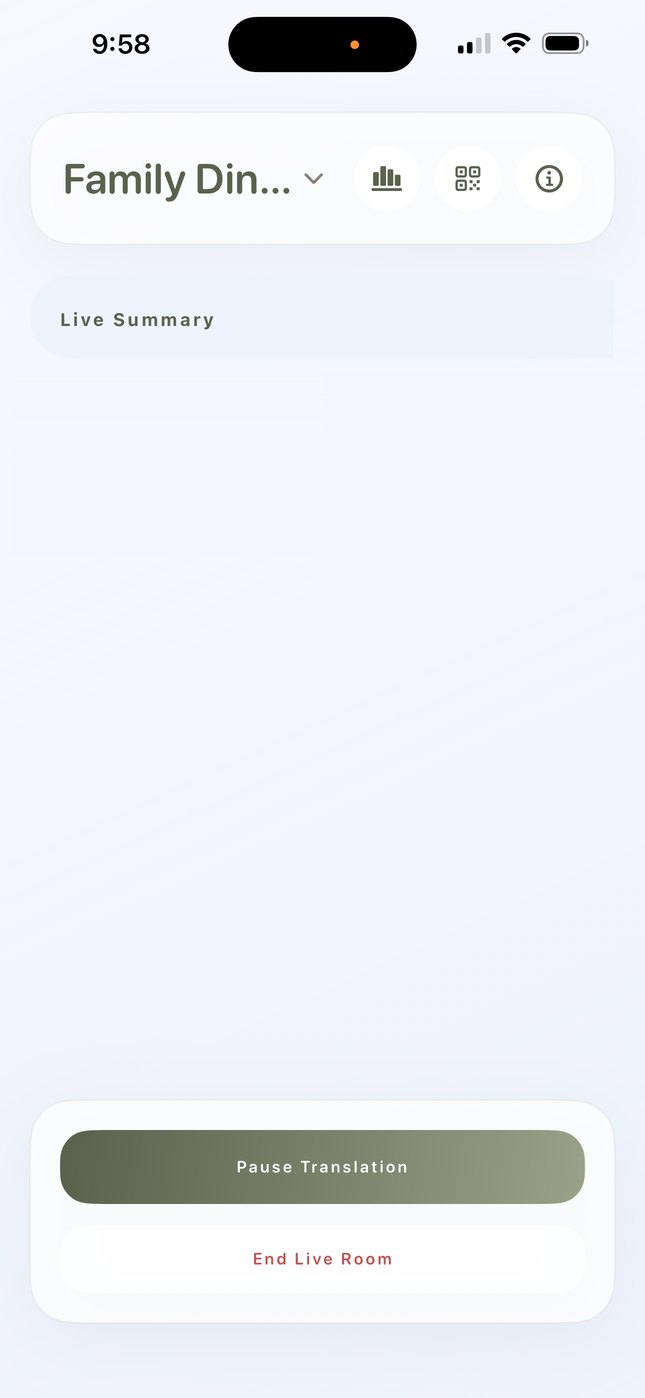
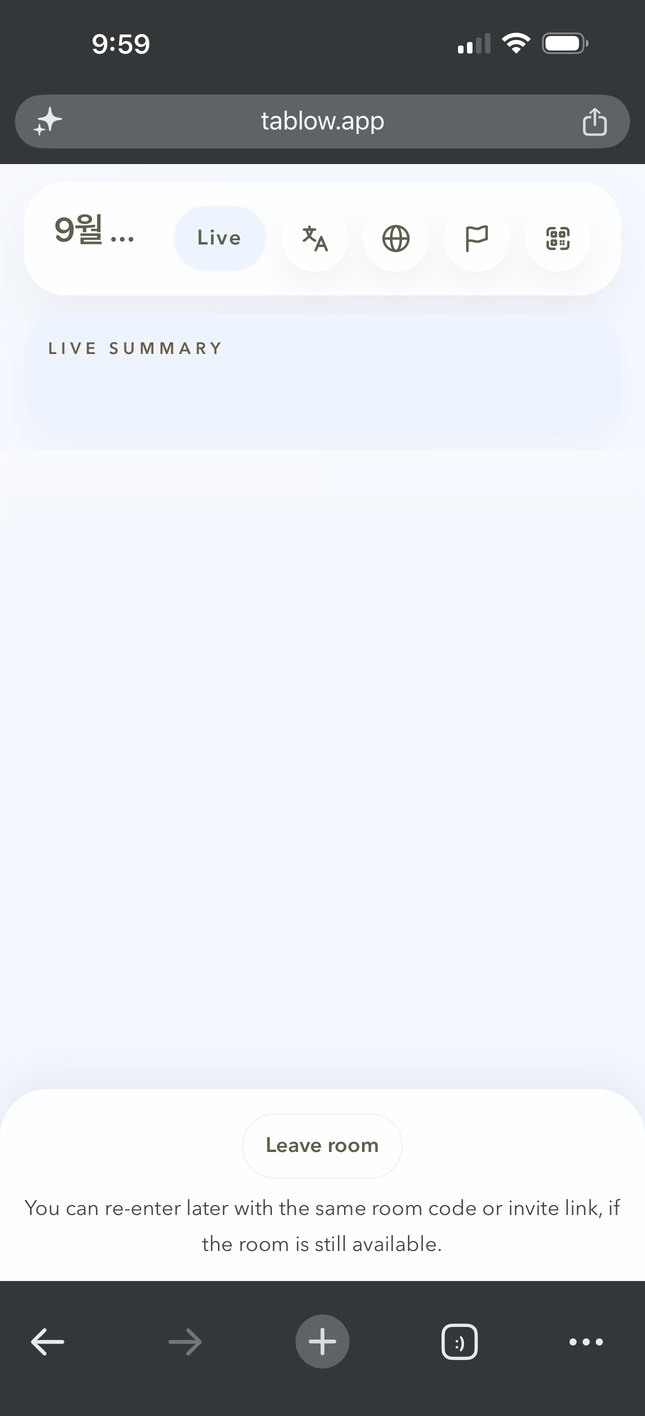
The one who interprets never gets to eat.
She held two phones on the video call. One for the call, one to translate.
Turn on a translator app and everyone waits.
So we made one phone do it.
Live room
Your phone listens. Everyone at the table opens a link and reads the original next to the translation on their own phone. When a sentence ends, the translation is checked once more.
Video call
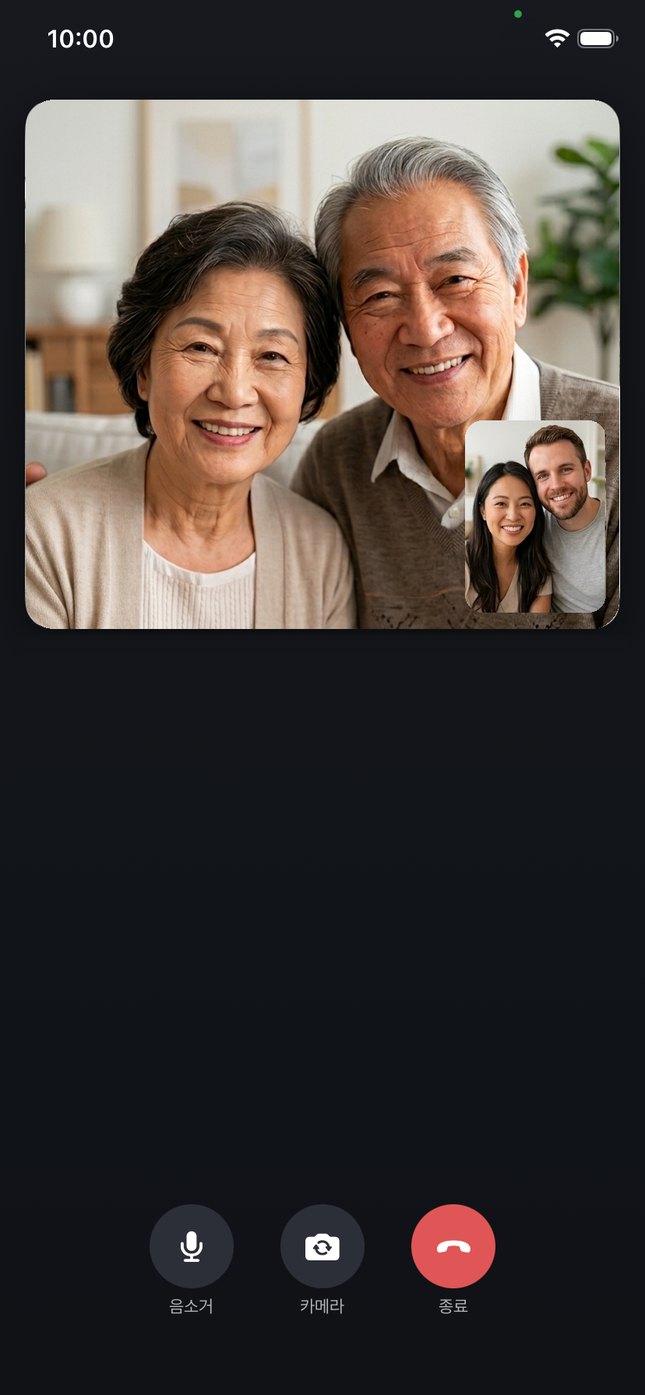
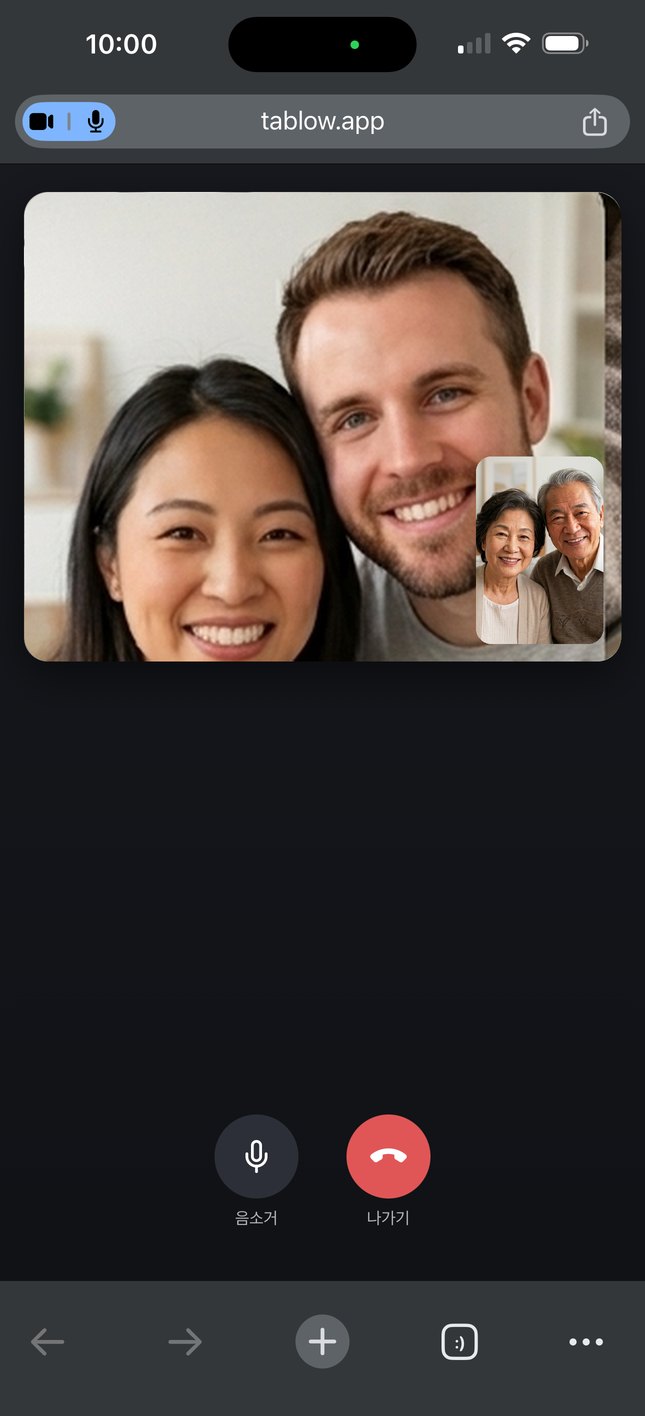
Start the call in the app and send a link. The other person joins from their browser, no app, and every sentence appears on both screens with its translation. The captions stay after the call. →
Media Captions
A video in another app, a livestream, a voice message. The original line and its translation appear in a floating window, and the captions are saved. →

Open the Tablow app (iOS or Android), pick the conversation languages, and start a live room. The phone listens and translates as people speak.
Guests scan the room QR code or type the 6-letter code at tablow.app. It opens in the browser. No install, no sign-up.
Each guest picks a display language and reads the live transcript, translations, and an AI summary that keeps up with the conversation.
We're a Korean-Japanese couple. Just the two of us is fine, but talking with each other's parents was always a translation headache. I've only tested it since downloading, but at this level it should be no problem.
Saw it on Threads and tried it on a video call with a Japanese friend. Honestly, it's almost too accurate. The most accurate interpreter app I've used.
A friend recommended it, so I tried it. Really good. I'll be using it a lot.
It is streamed for transcription only, then gone.
Only the host and the people the host lets in can read them.
Rooms auto-delete 7 days after they end. Hosts can extend up to 365 days or delete earlier.
Guest sessions are anonymous. No sign-up, no email.
Family gatherings where grandparents, parents, and kids don't share one language. Nobody sits out the conversation.
Small in-person meetings and visits with overseas partners, without hiring an interpreter or huddling around one phone.
Guides, hosts, and speakers show one QR code, and every visitor reads along on their own phone.
In-depth guides: Tablow for international couples and for guesthouse & homestay hosts.
Google Translate Conversation mode vs Tablow: when a slow sentence or two is enough, and when a real conversation needs more.
Google Meet translated captions vs Tablow video calls: meetings on a paid plan versus a one-to-one family call from a browser link.
No. Guests open tablow.app in any browser and scan the host's QR code, or type the 6-letter room code instead. Nothing to install, no account to make, and guest sessions are anonymous.
Tablow supports 60+ languages for live conversation translation, including English, Korean, Japanese, Chinese (Simplified), German, Spanish, French, and Russian. The host picks the room's two languages, and each guest reads on their own phone. The app's own screens come in English, Korean, Japanese, and Chinese.
The Tablow app is free to download on iOS and Android, and joining a room as a guest is always free. Hosting a live translated room uses translation minutes. Current plans and prices are in the app.
The host shows a QR code, or sends the 6-letter room code or the invite link. Guests scan it, or type the code at tablow.app, pick the language they want to read in, and the live transcript, translations, and summary are already running when they arrive.
No. The host's phone listens to the room, and Tablow transcribes and translates everyone it hears. Guests do nothing but read, on their own phone, in their own language.
Live audio is streamed for transcription only and is never stored on Tablow's servers. Transcripts and summaries are stored encrypted, so only the host and the people the host lets in can read them. By default they are deleted 7 days after the room ends. A host can stretch that to 365 days, or delete the room history sooner.
Yes, for video calls. Tablow 1.2.0 added one to one video calls with live translated captions. Start the call in the app and share the link. The other person joins from any browser, and both screens show what was said with its translation. For a livestream or anything else playing on your phone, Media Captions puts the translated captions in a floating window. In a room the host's phone still picks up whatever it hears clearly, though accuracy is best face to face.
Yes. Media Captions listens to whatever your phone is playing, a video in another app or a livestream, and shows the original line with its translation about 1-2 seconds later in a floating window. The captions go to your archive, so you can read them again afterward.
Built by a family that needed it. Start a room on your phone, and your guests just need a browser.